> For the complete documentation index, see [llms.txt](https://docs.bunzz.dev/product-docs/llms.txt). Markdown versions of documentation pages are available by appending `.md` to page URLs; this page is available as [Markdown](https://docs.bunzz.dev/product-docs/introduction/decipher/getting-started.md).
# Getting started
You will learn how in 3 simple steps generate documentation for any smart contract. Let's start!
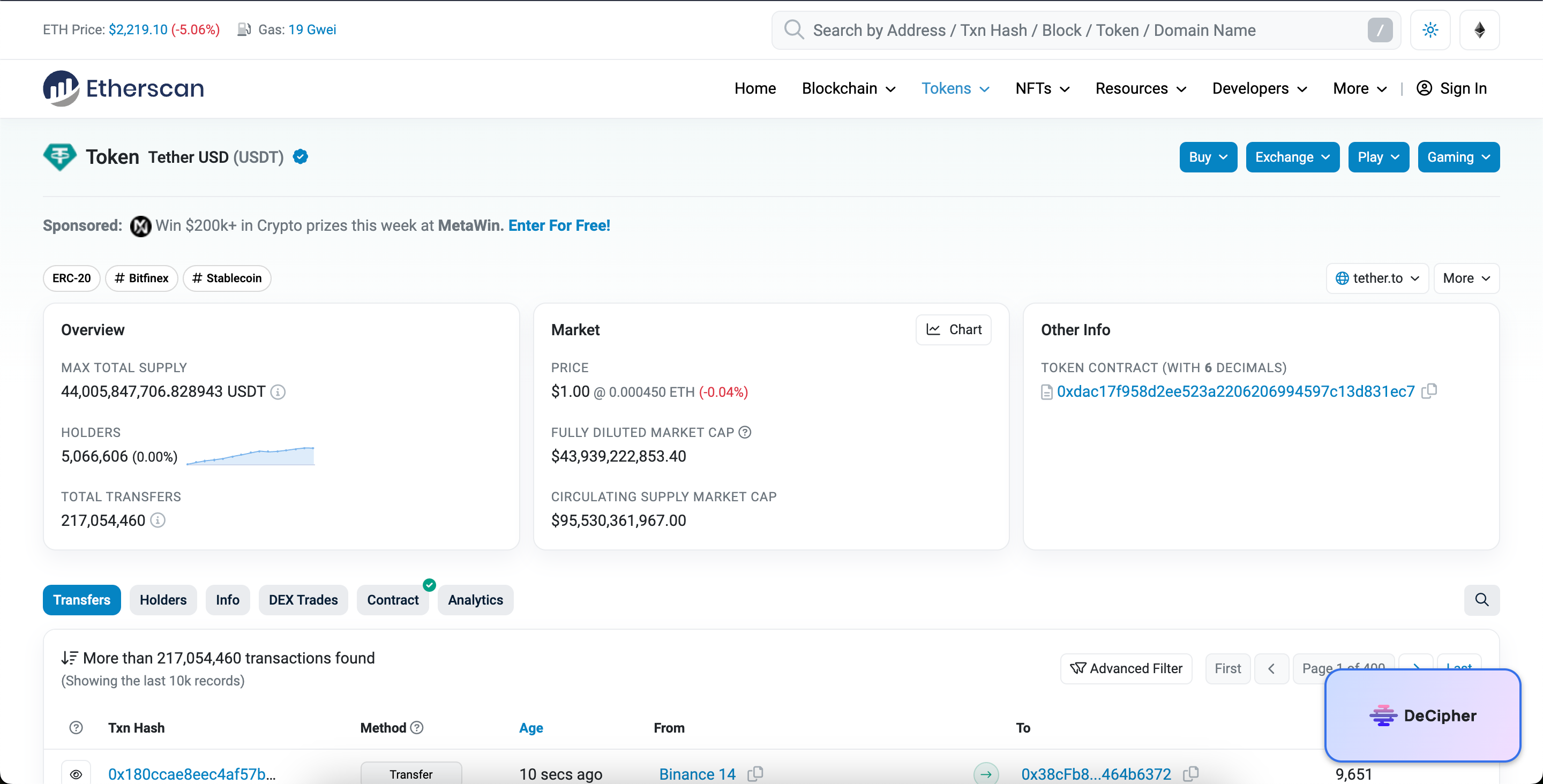
### **Step 1. Copy any smart contract URL from a Block Explorer (e.g., Etherscan).**
Let's say, you want to generate documentation for usdt token. You can either copy the URL or use the Decipher Chrome Plugin, which makes the generation process simpler.
USDT token
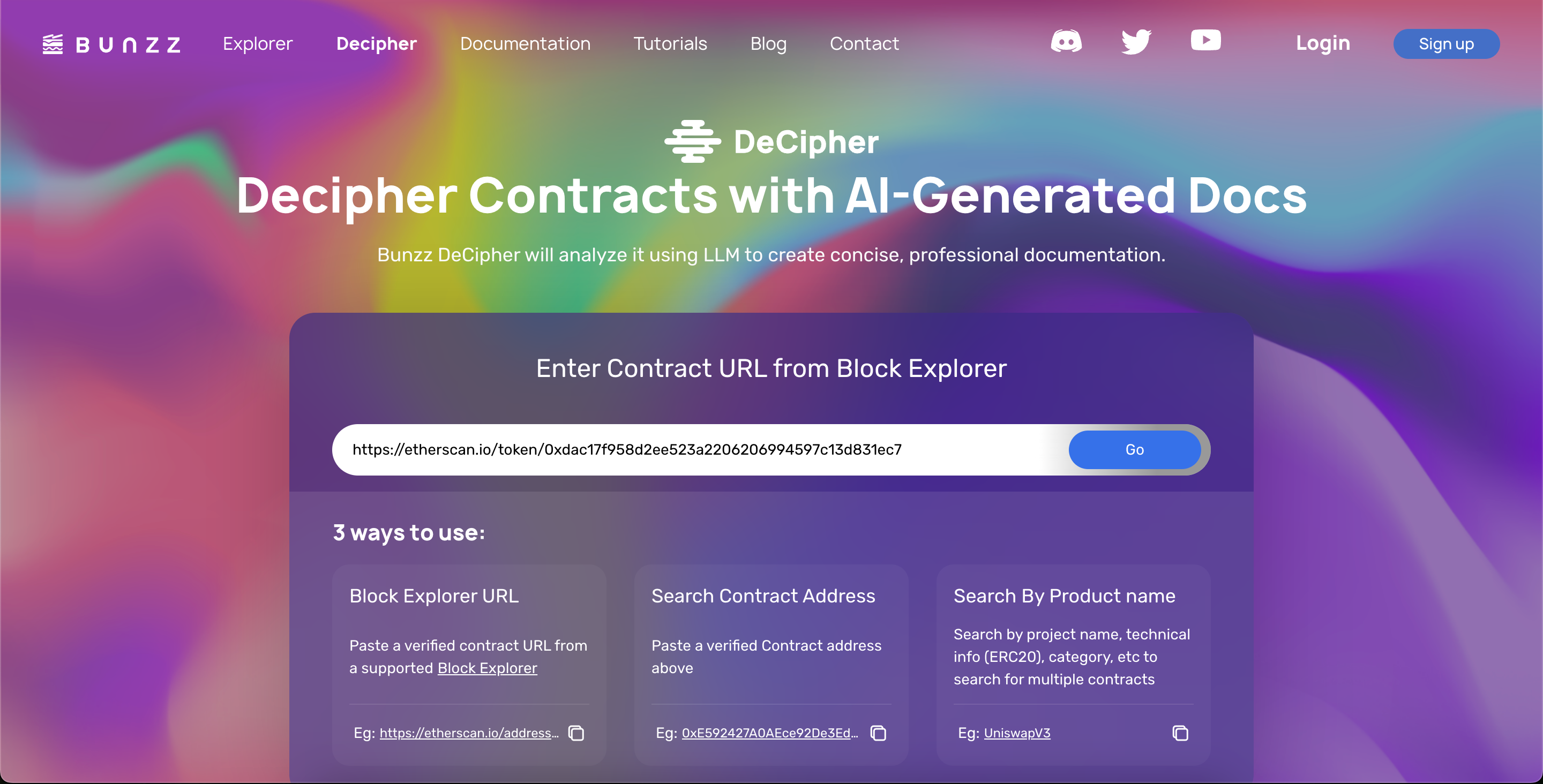
### **Step 2. Paste the URL into the above product page and generate the docs**
Go to the official site and paste the URL into the form and click "Go".
Landing Page
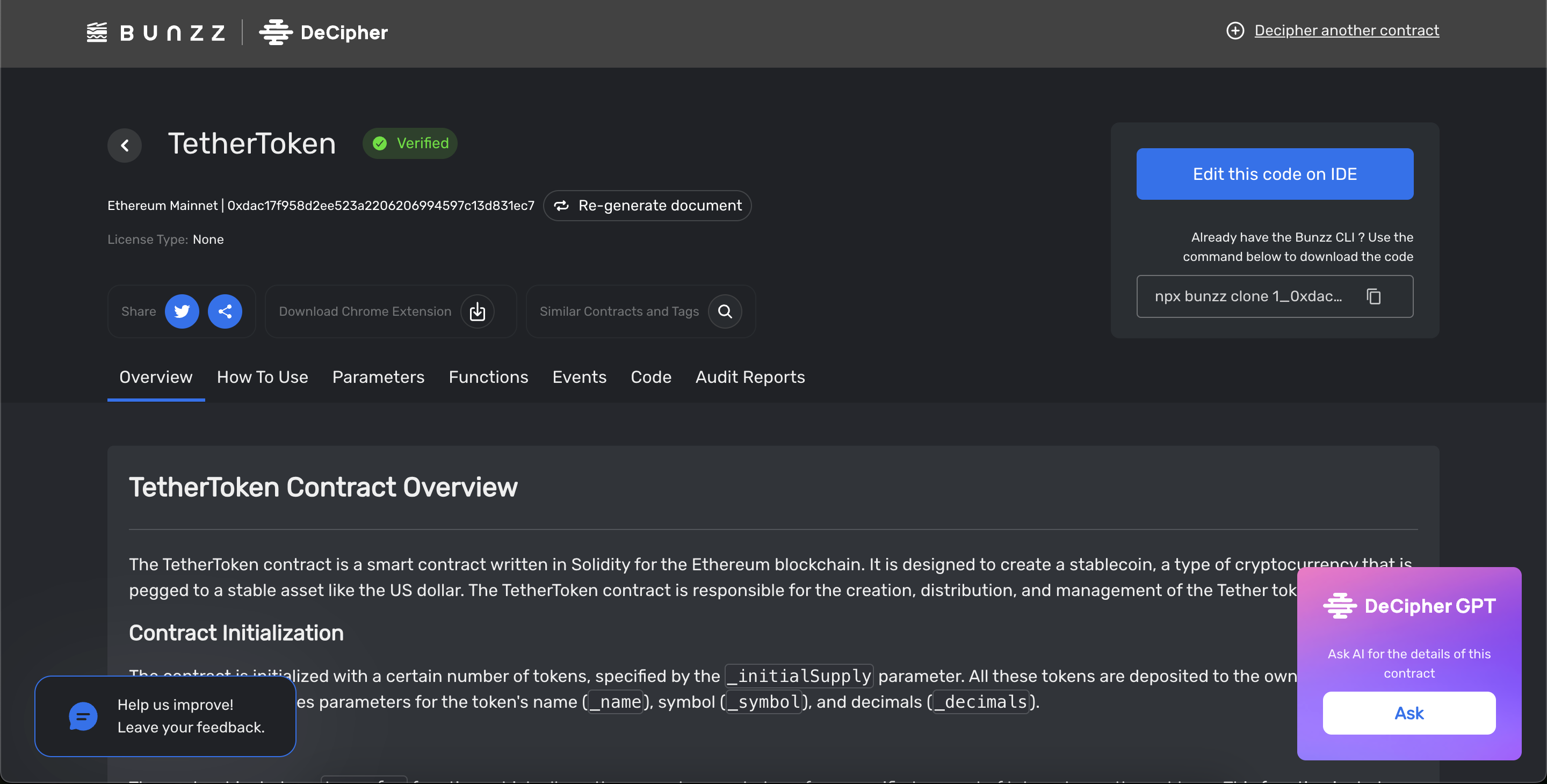
### Step 3. You will be redirected to the document page and now you can understand the details of contracts and share it with the team.
Bunzz Decipher
And that's it! Now in your hand's generated document. Congratulations! 🎉