> For the complete documentation index, see [llms.txt](https://docs.bunzz.dev/product-docs/llms.txt). Markdown versions of documentation pages are available by appending `.md` to page URLs; this page is available as [Markdown](https://docs.bunzz.dev/product-docs/module/deployment-process/creating-of-dapp-with-modules.md).
# Creating of DApp with modules
In **Bunzz**, we can deploy a single smart contract. In this chapter, we will look at how create DApp.
## Deploy the custom combination of smart contracts
Let's deploy the custom combination of module templates.
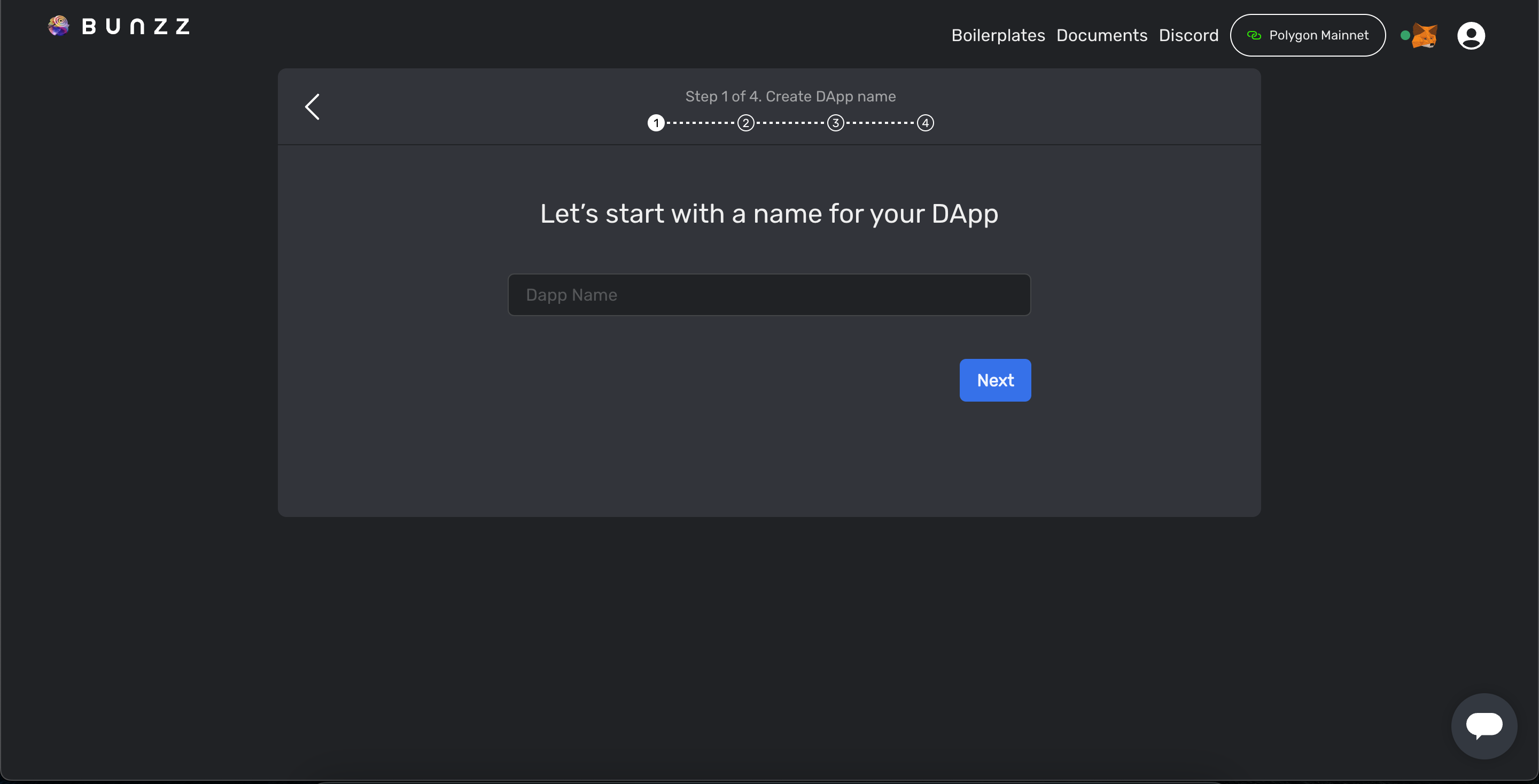
* Click "**Create DApp**"

Write "DApp name"
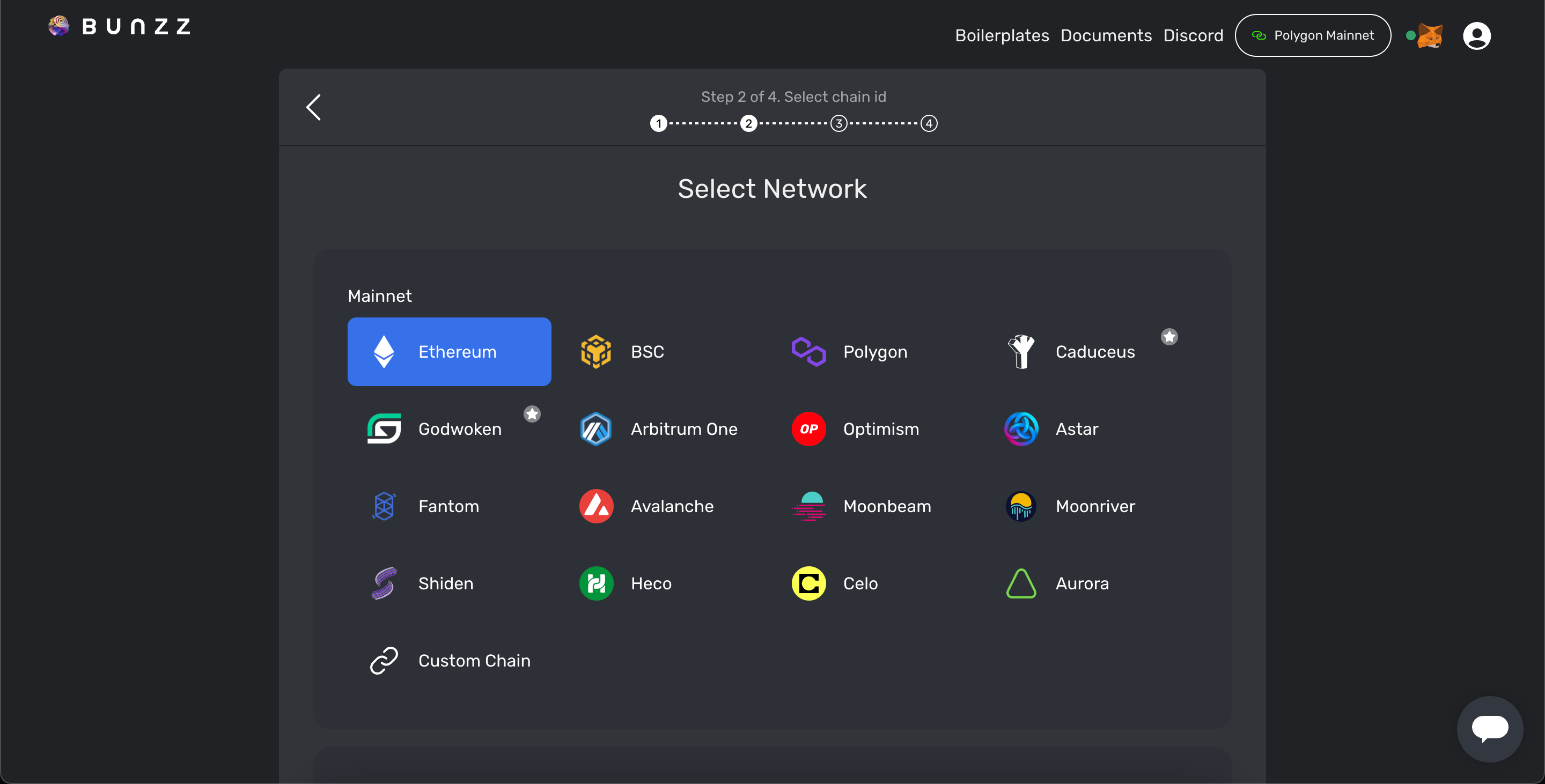
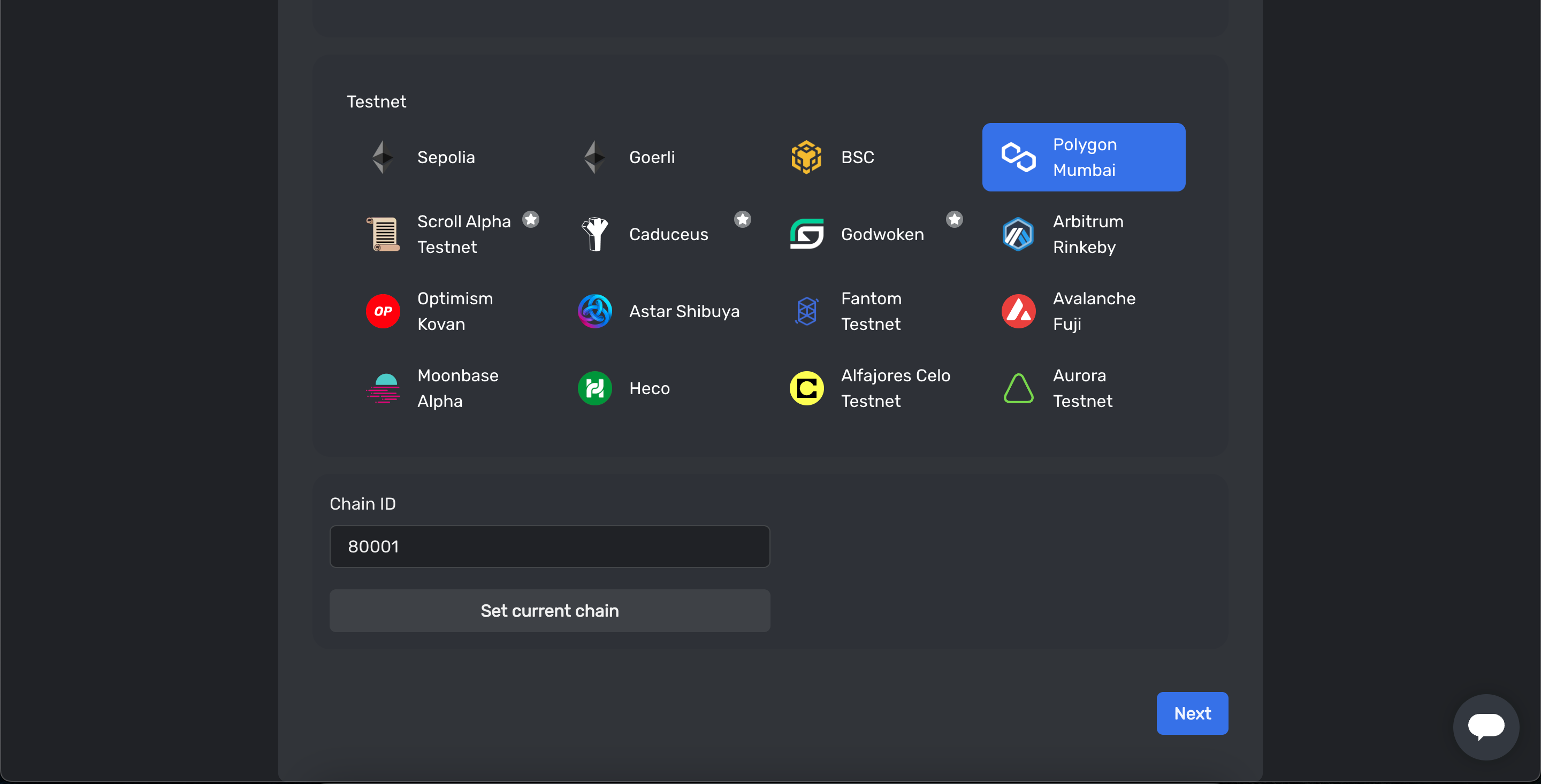
Select the network to deploy
And click "Next"
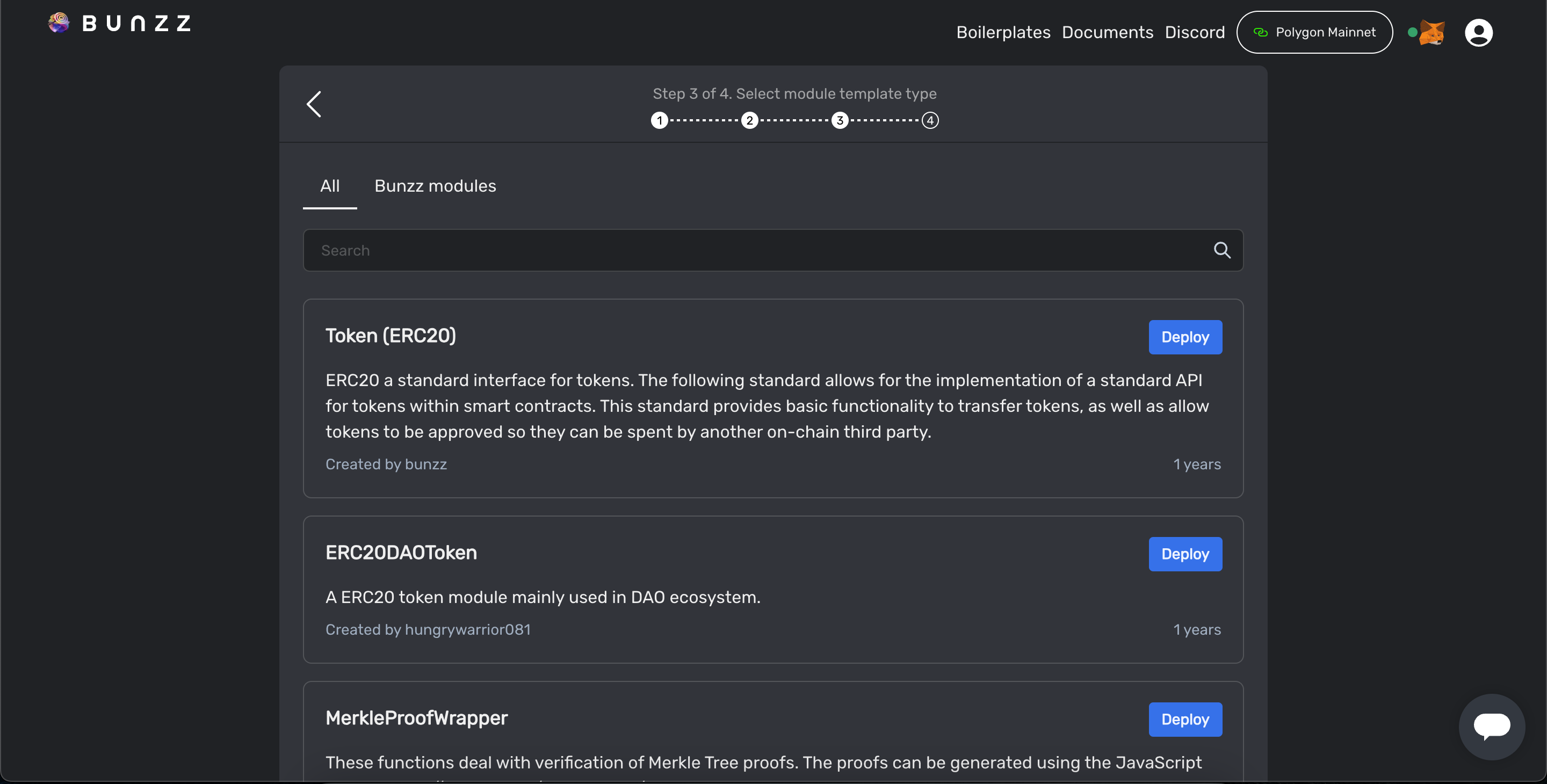
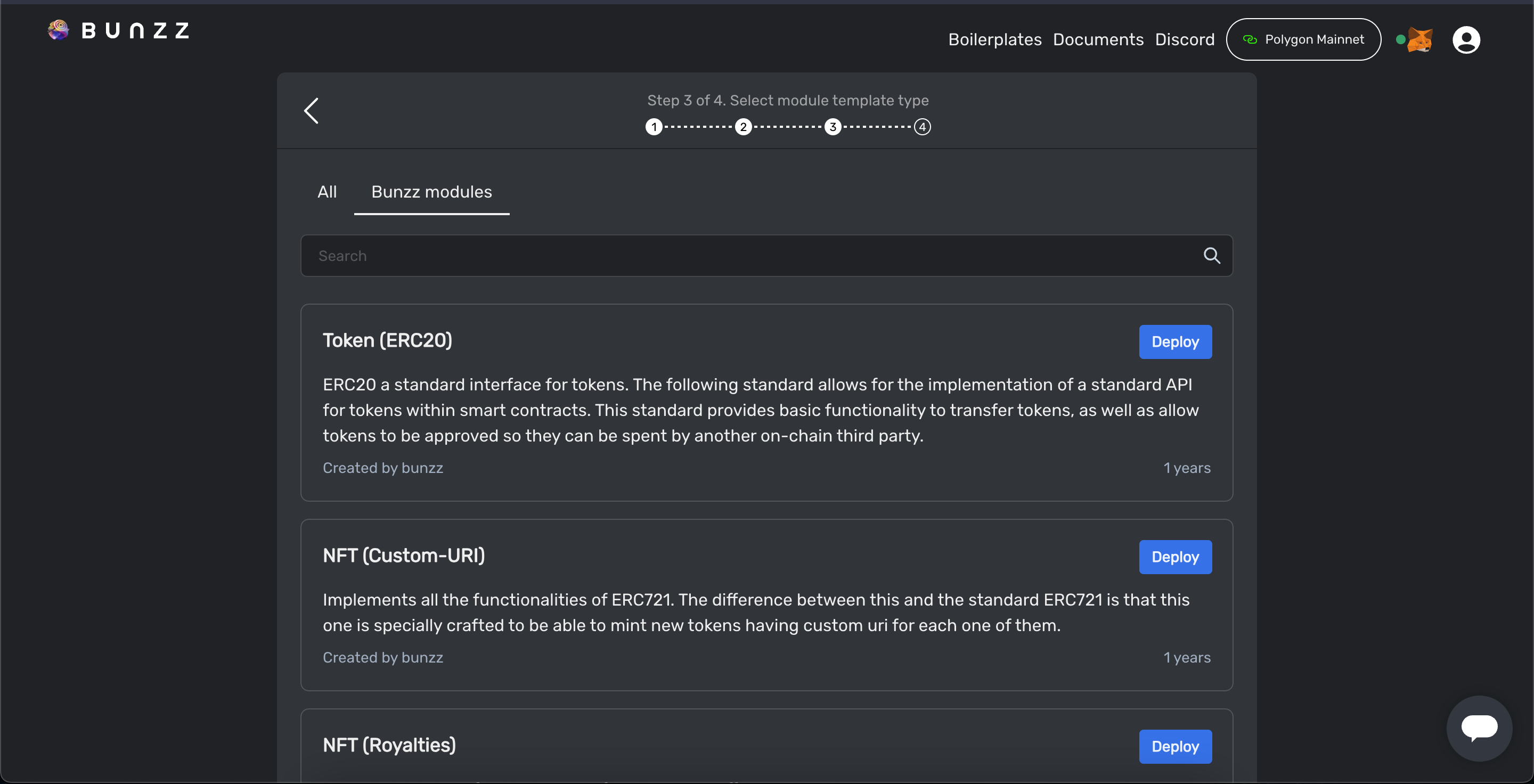
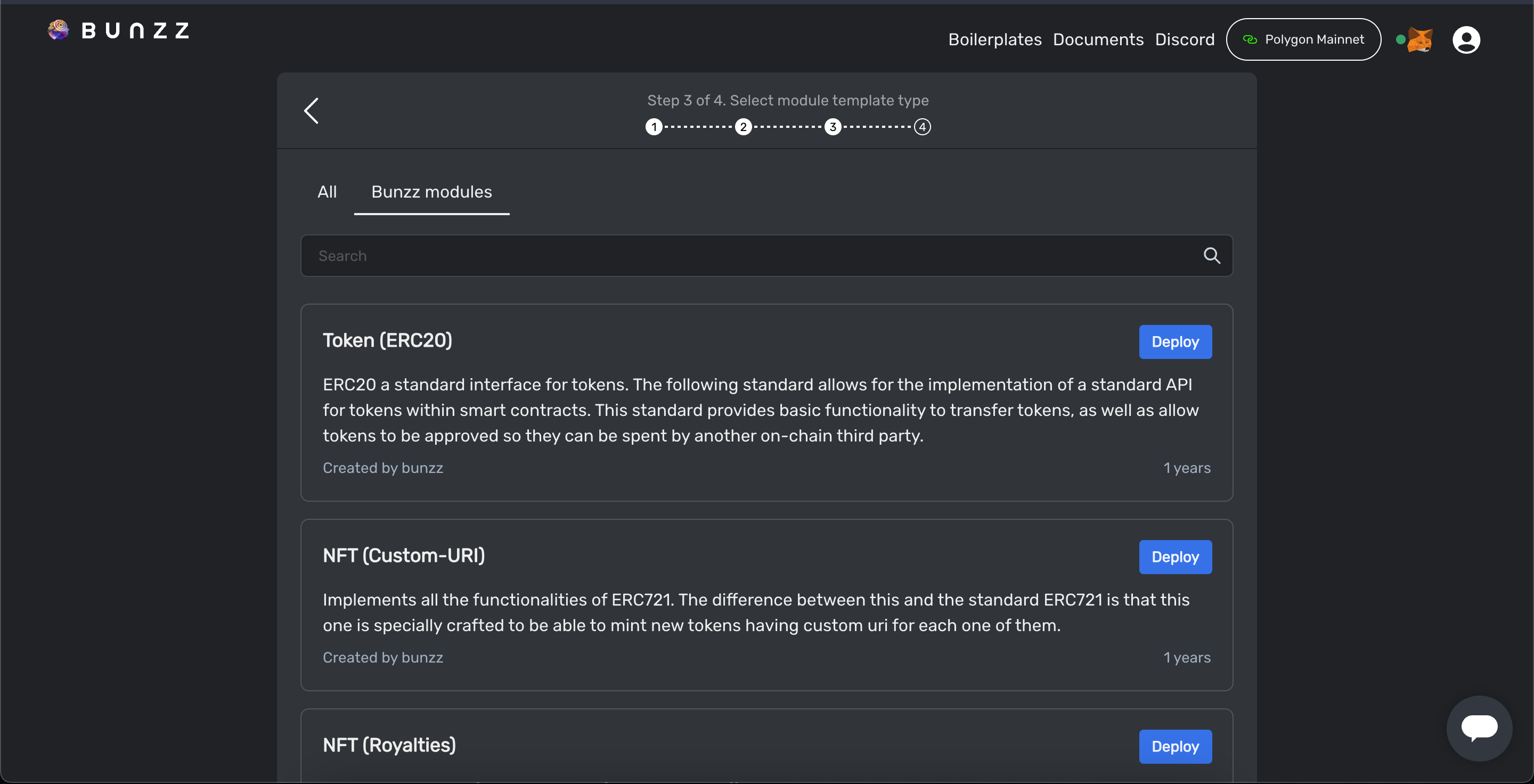
* You can click on "**All**" or "**Bunzz Modules**" to view respective module templates. Bunzz can also search module by "**Keywords**".
All templates tab
Official Bunzz Module Templates
* Click "**Deploy**" to continue.
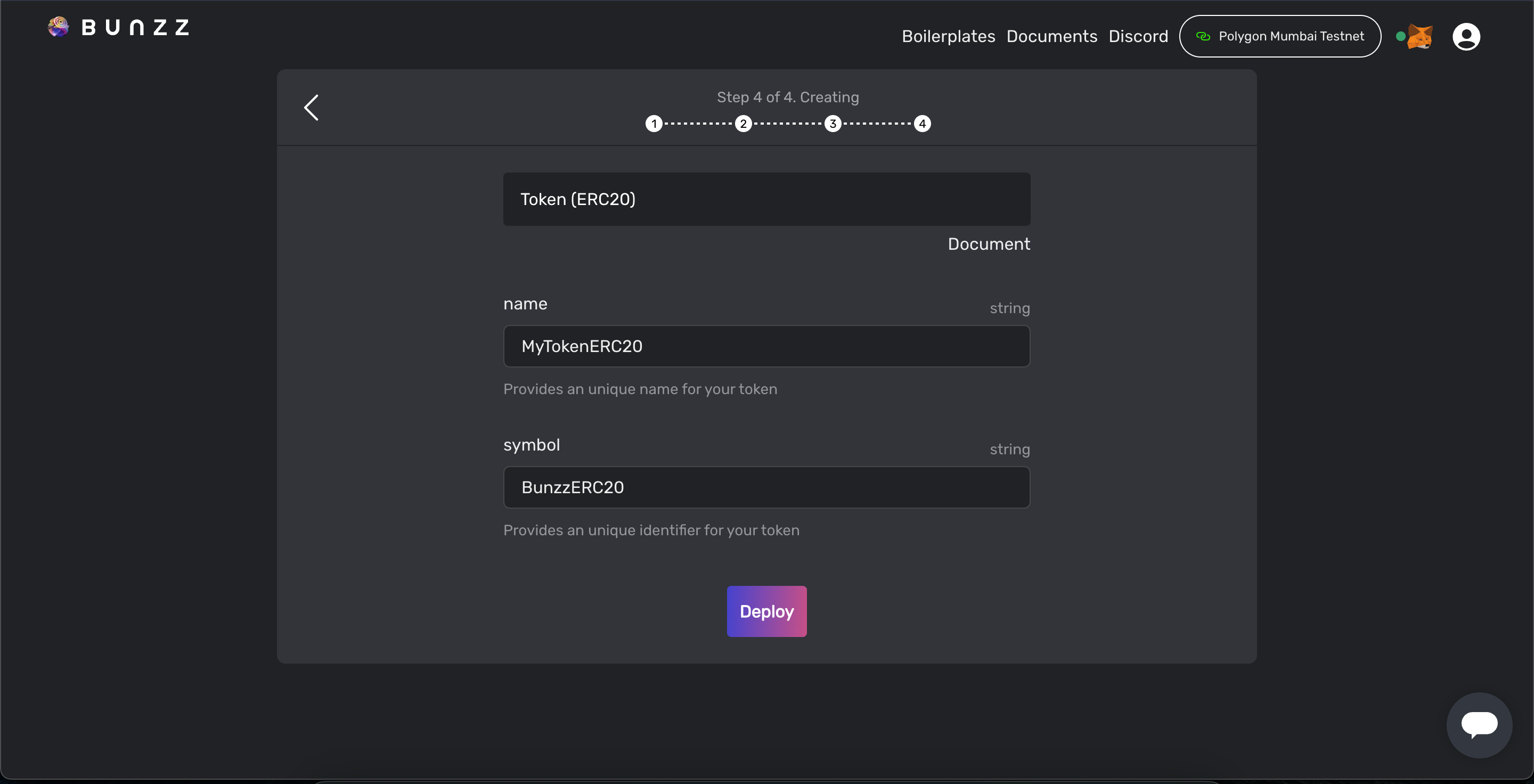
Fill in the arguments field and click deploy to create DApp. Note: click on "**Document**" to see documentation.
Arguments of Smart Contract Module Screen
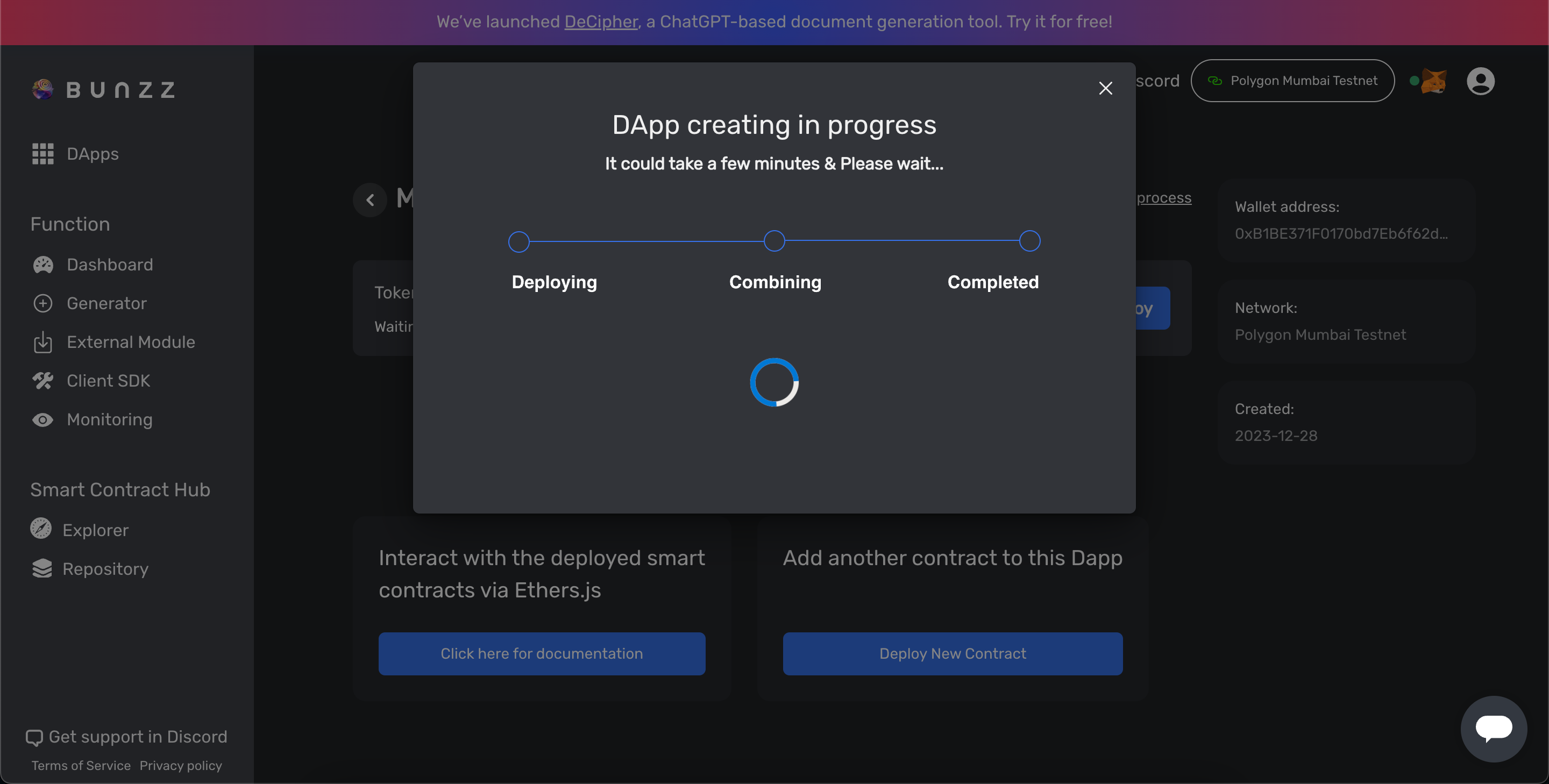
Creating of DApp
* Click "**Confirm**" button when metamask popups appears to confirm the transaction.

For any questions or feedback you may have, please feel free to contact us on [Bunzz Discord Server](https://discord.gg/XPh4QHuKYE).